


Cantonese, French, German, Italian, Japanese, Korean, Mandarin, and Spanish
Learn a language by reading real texts.
taihaa turns an article, a class text, a PDF, or an EPUB chapter into a reader. Tap a word, save a translation, and review it later in the sentence you found it in.
Free. Unlimited saved words and imports. No card. English is the base language for meanings.

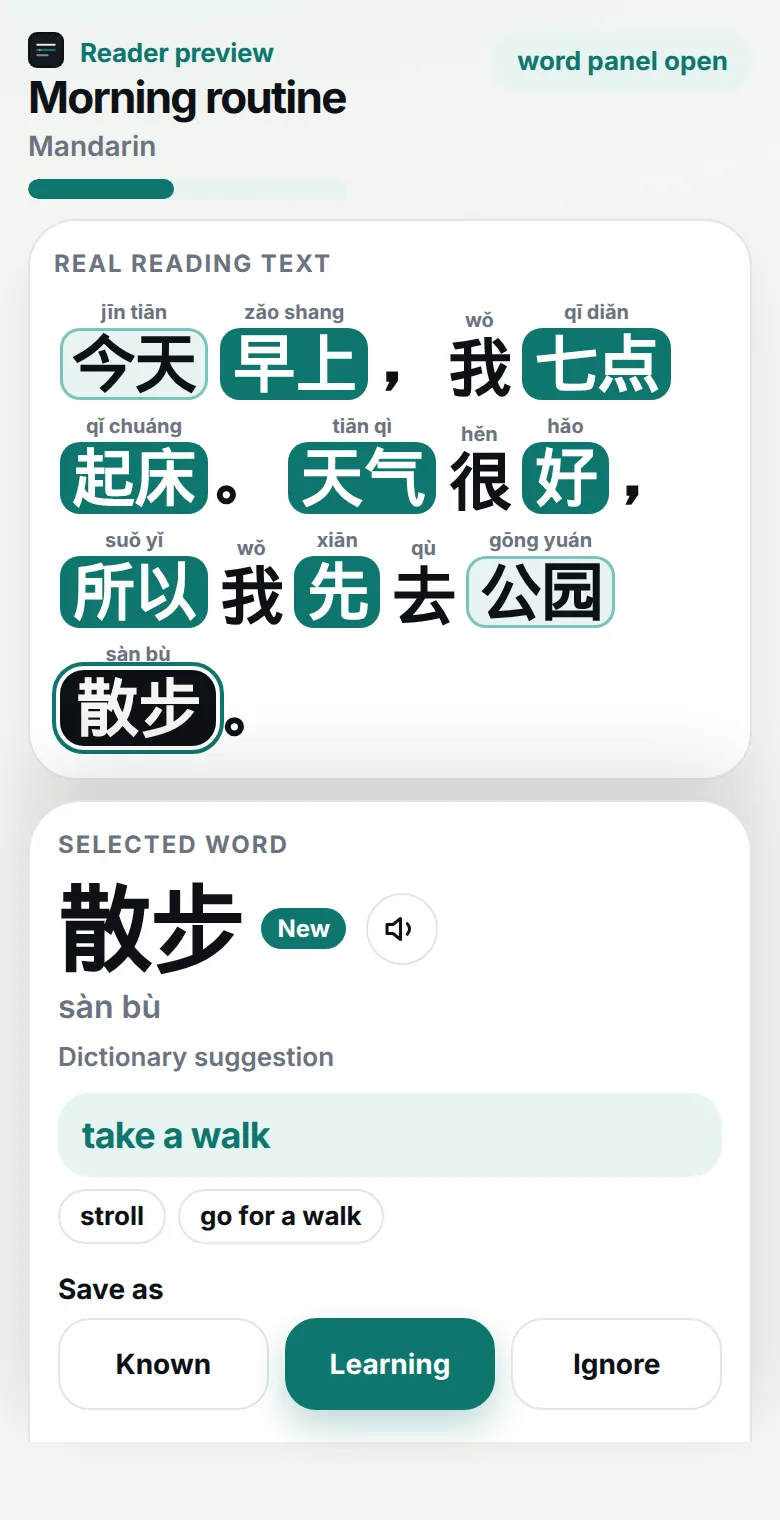
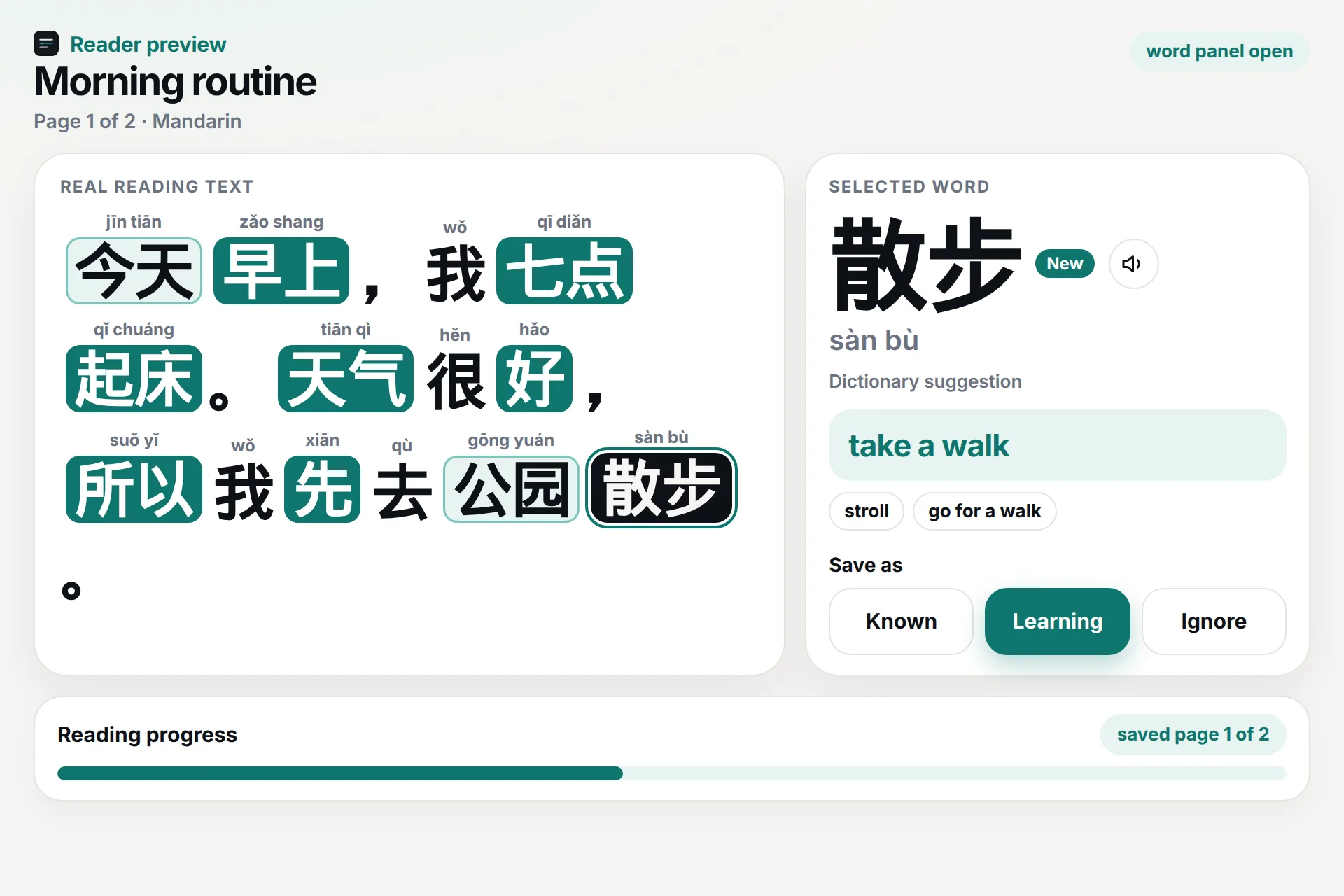
1 of 4. Read. Tap a word while you read. Check the translation, then save it as Known, Learning, or Ignore.
Tap a word while you read. Check the translation, then save it as Known, Learning, or Ignore.
- Free, no card
- Unlimited saved words and imports
- English translations
- Your lessons stay on your account
How it works
A short loop: read, save, review.
- 1
Add something real
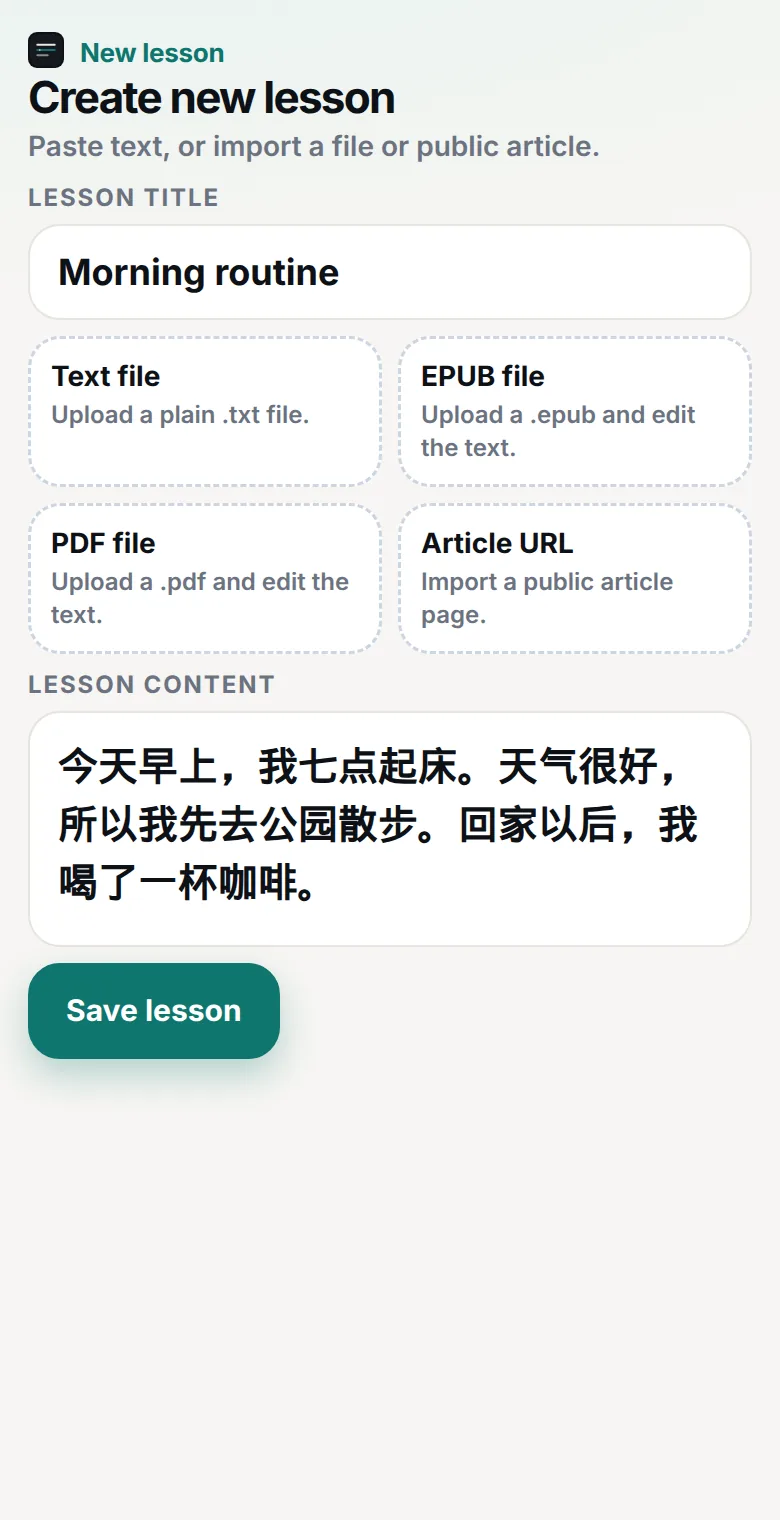
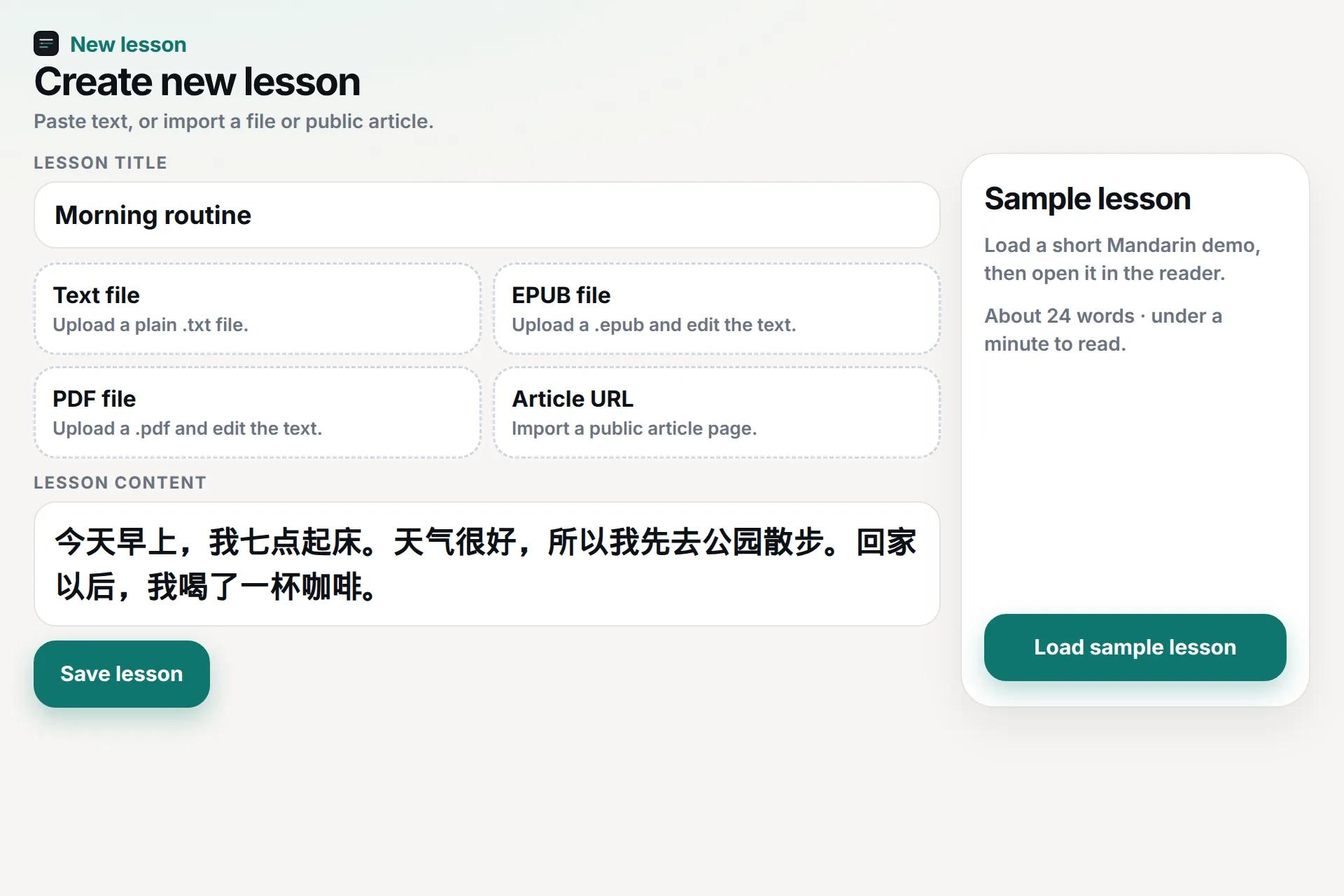
Paste text, upload .txt, PDF, or EPUB, import a public article URL, or start from a sample lesson.
- 2
Tap words as you read
Open a translation, check pinyin, Jyutping, romanization, or furigana where it applies, and save only the words worth keeping.
- 3
Review the sentence
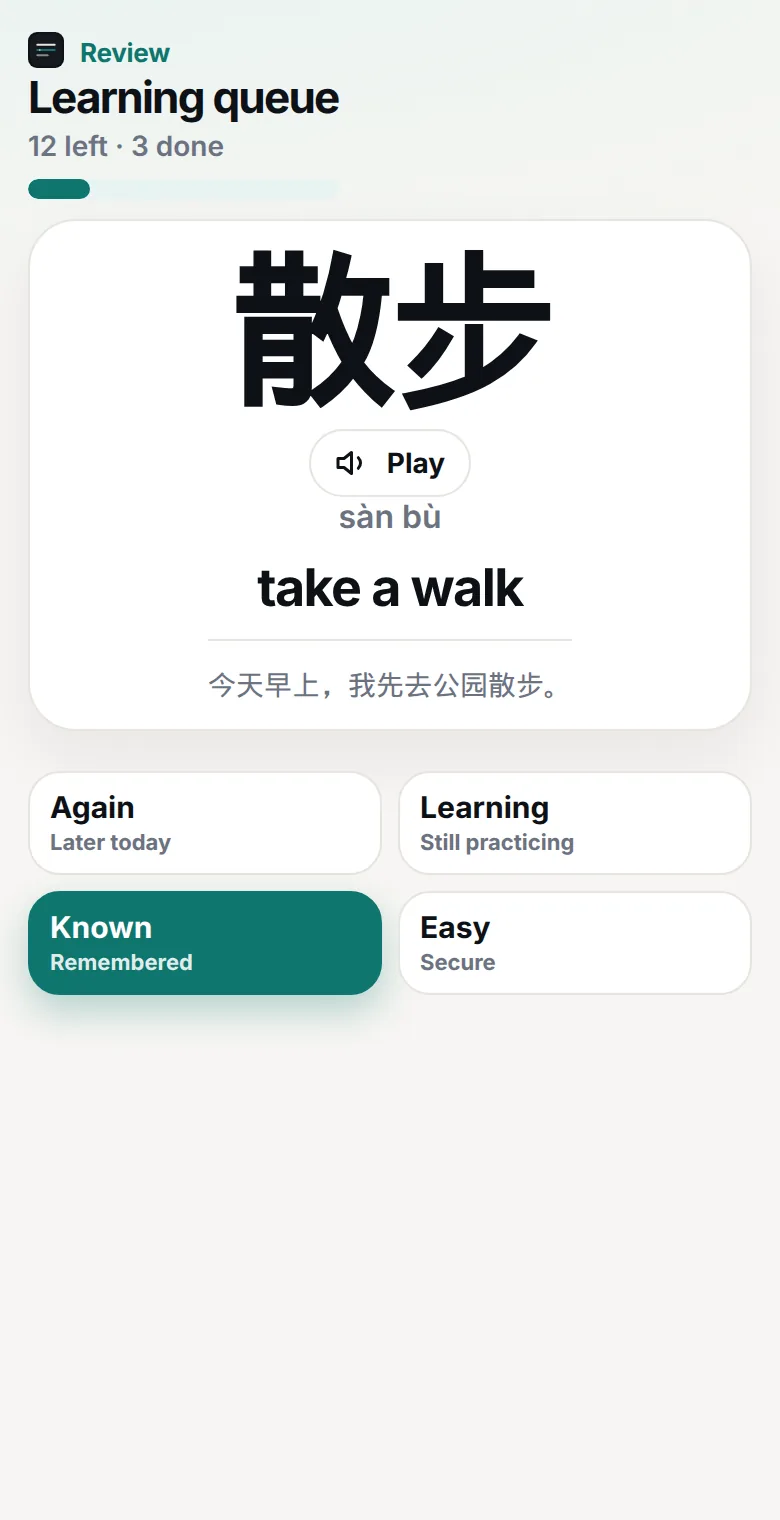
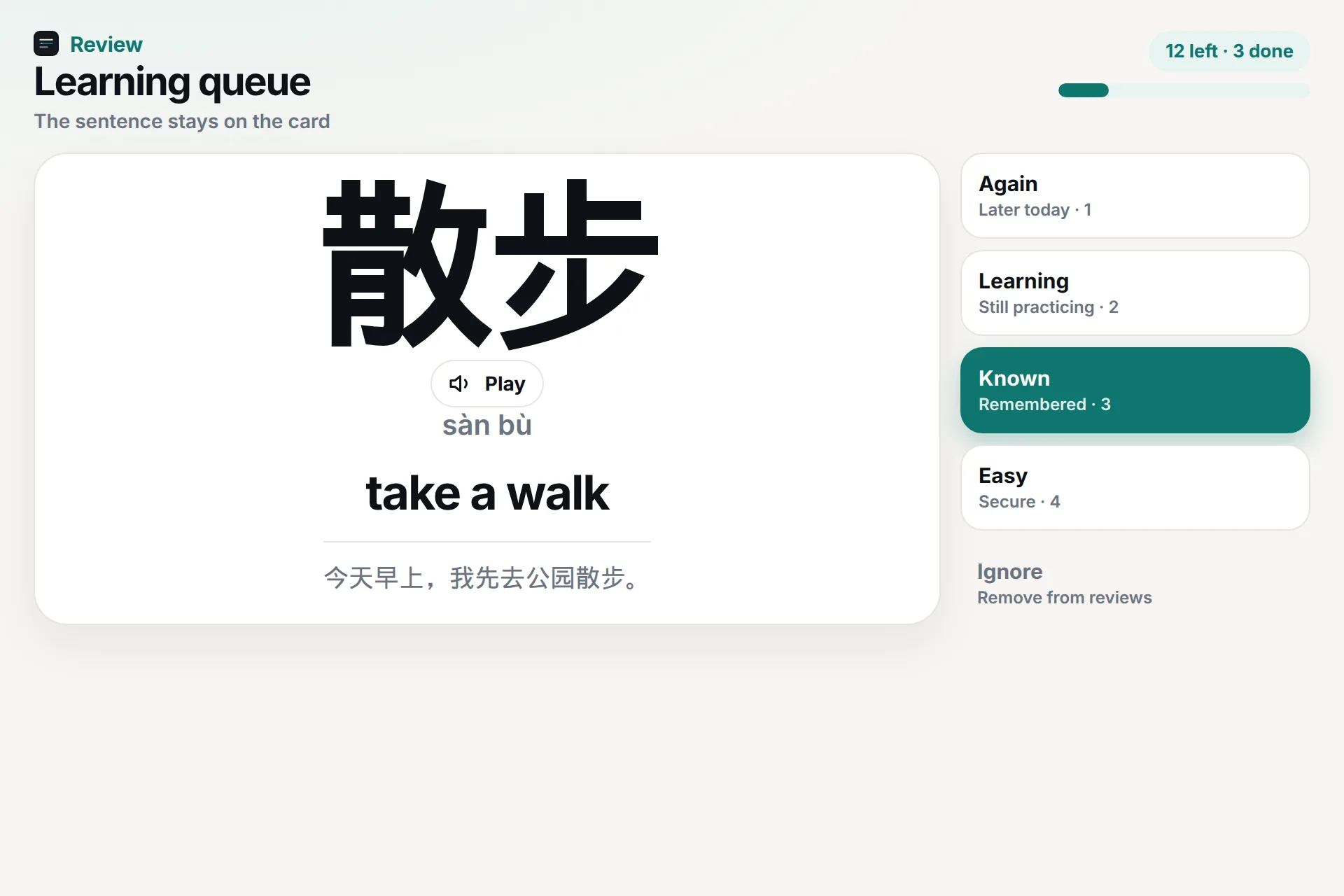
Saved words come back with the line you found them in. Again, Learning, Known, and Easy set a short schedule.
In the app
The parts you actually use.
Your text, not a course
Articles, class notes, stories, PDFs, and EPUB chapters become lessons you can finish.
A reader built for lookup
Unknown words are marked as you read. Your own saved translations are preferred over dictionary suggestions.
Review stays in context
The card shows the word, a translation you saved, and the original sentence. Ignore drops a word from review.
Hear it when the device can
Text-to-speech uses browser voices. Cantonese needs a real Cantonese or Hong Kong voice.
Languages
Start from the language you are already reading.
Mandarin
Mandarin with pinyin
Read simplified Chinese, tap a word, and keep pinyin nearby until you do not need it.
Cantonese
Cantonese with Jyutping
Cantonese stays separate from Mandarin, with Jyutping instead of a Mandarin reading.
German
German from real articles
Save compounds and the sentences they came from, then meet them again in review.
French
French reading to review
Turn an article or story into a personal word list that still shows the original line.
Spanish
Spanish from real articles
Tap café in the sentence, save the English gloss, and meet the word again with that line.
Italian
Italian from real articles
Tap caffè in the sentence, save the English translation, and meet the word again with that line.
Korean
Korean with romanization
Read Hangul with Revised Romanization above each word. Tap 먹었어요 and the reader finds 먹다.
Japanese
Japanese with furigana
Read kanji with furigana above it and romaji in the word panel. Tap 食べました and the reader finds 食べる.
For independent learners
Bring the text you already wanted to finish.
A news paragraph, a short story, a class handout, or a chapter. taihaa does not write the lesson for you. It gives that text a reader, a vocabulary list, and a review queue.
For schools
Register interest for your class.
Teachers can ask about class reading, shared texts, and student vocabulary.
SchoolsStart with one text.
Create an account, pick Mandarin, Cantonese, German, French, Spanish, Italian, Korean, or Japanese, and open a sample or something of your own.